Home Assistant MQTT Auto-Discovery
Home Assistant supports the automatic addition of new devices via MQTT – known as MQTT Discovery.
All you need to do is connect the camera to the same MQTT broker that you have integrated into Home Assistant – that's it!
If you are not yet using MQTT, simply follow these easy steps to add the camera to Home Assistant.
Adding your Camera
Configuring the camera MQTT broker
First, the MQTT broker must be activated in the camera. You can find this configuration in the web interface under Smathome/MQTT:
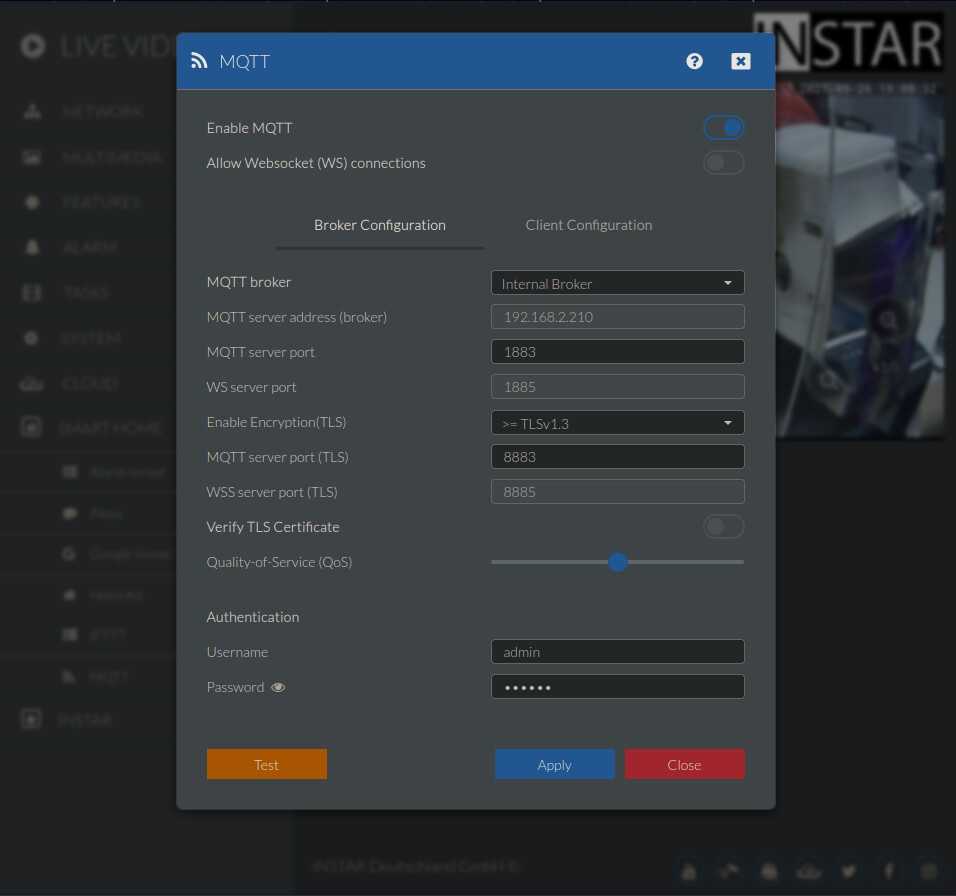
Check the client settings in the next tab here:
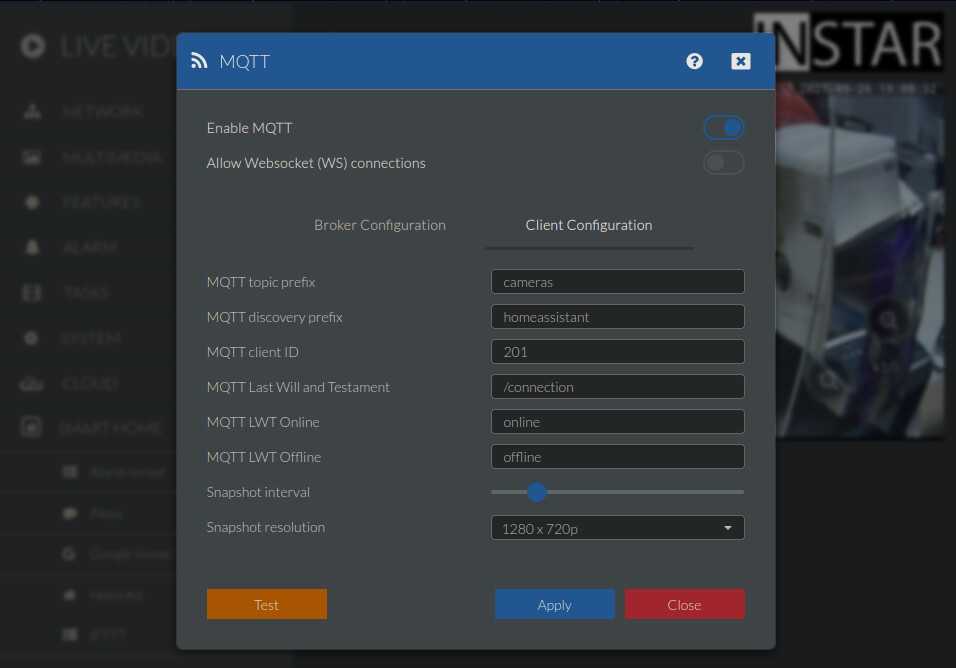
Here you can see the MQTT Discovery prefix – this is already set to homeassistant. If you have stored a different prefix for MQTT Discovery in Home Assistant, you must adjust this accordingly here.
Configuring the MQTT client in Home Assistant
Now add an MQTT integration in Home Assistant:
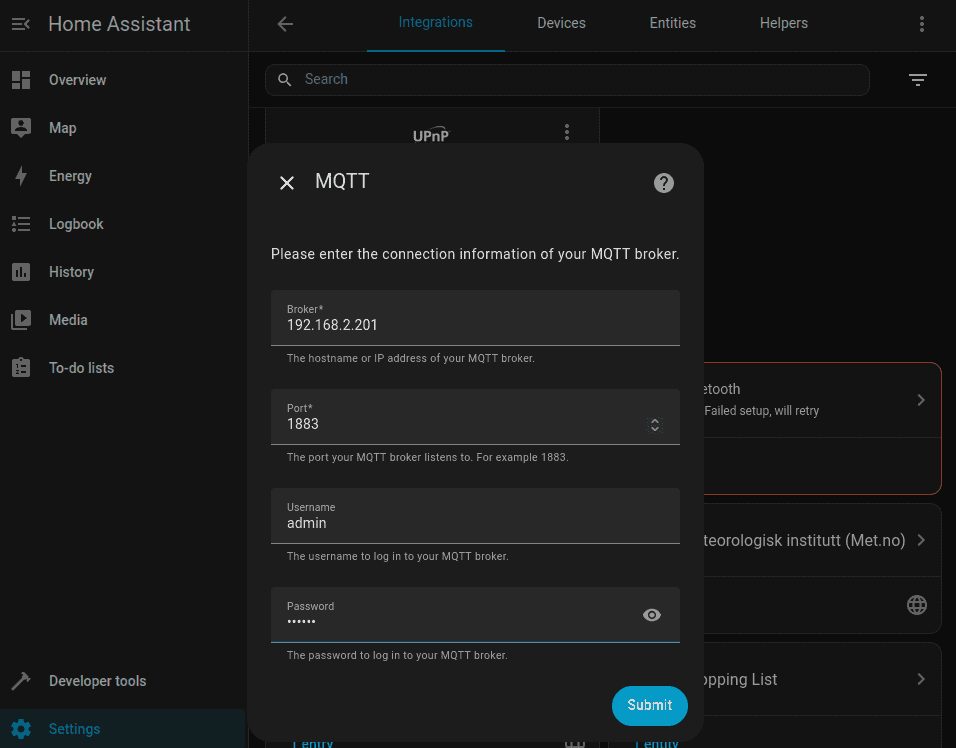
The data here is what you previously stored in the camera for the MQTT broker – the camera's IP address, MQTT port and broker login.
Adding the detected device
What happens next was somewhat inconsistent in my tests. Ideally, you will immediately see that a new device has been found via MQTT:
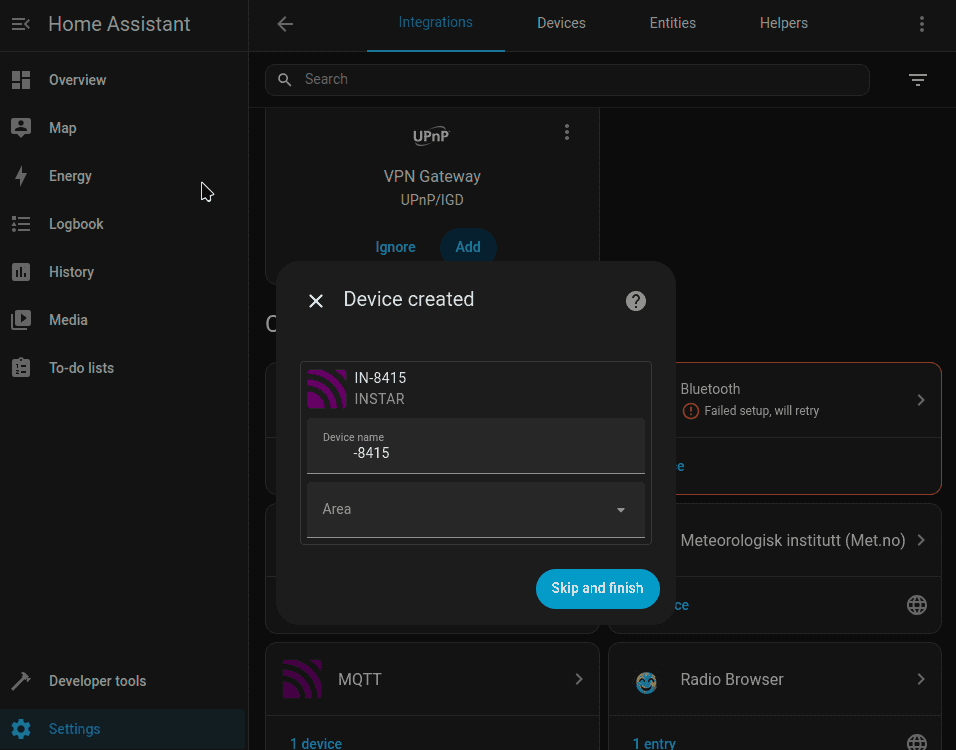
If this does not happen immediately, simply wait a moment – Home Assistant will display a notification in the bottom left corner as soon as the device has successfully logged in. The rest of the process is then identical:
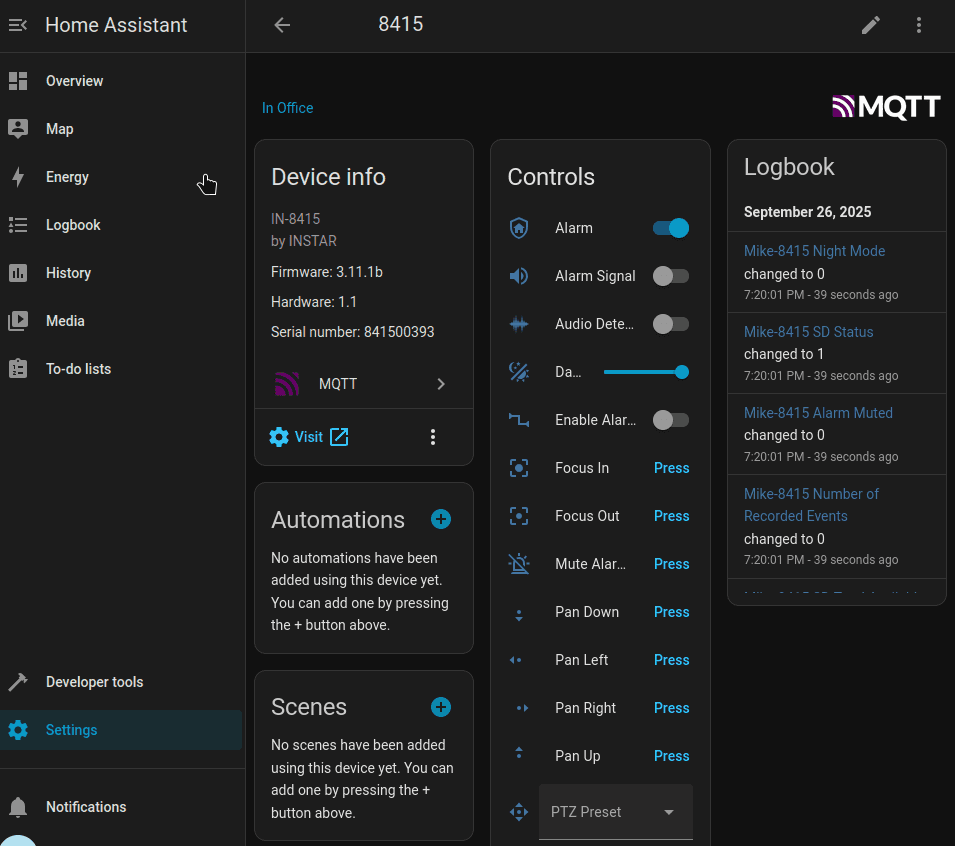
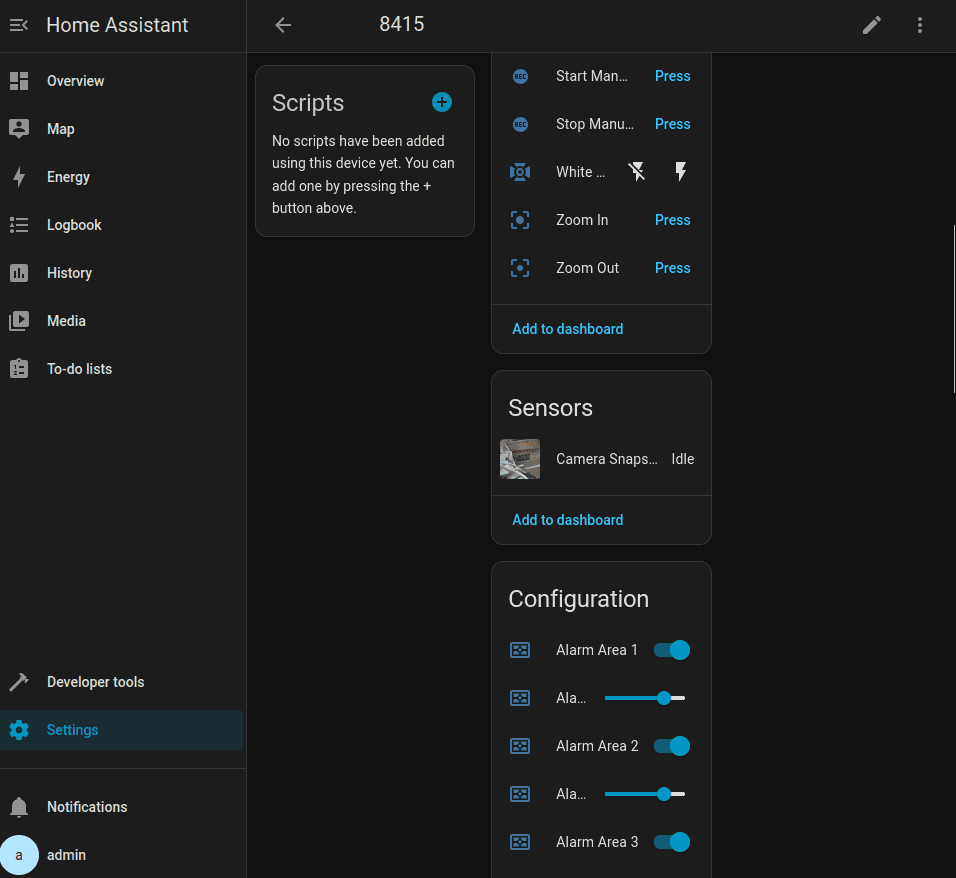
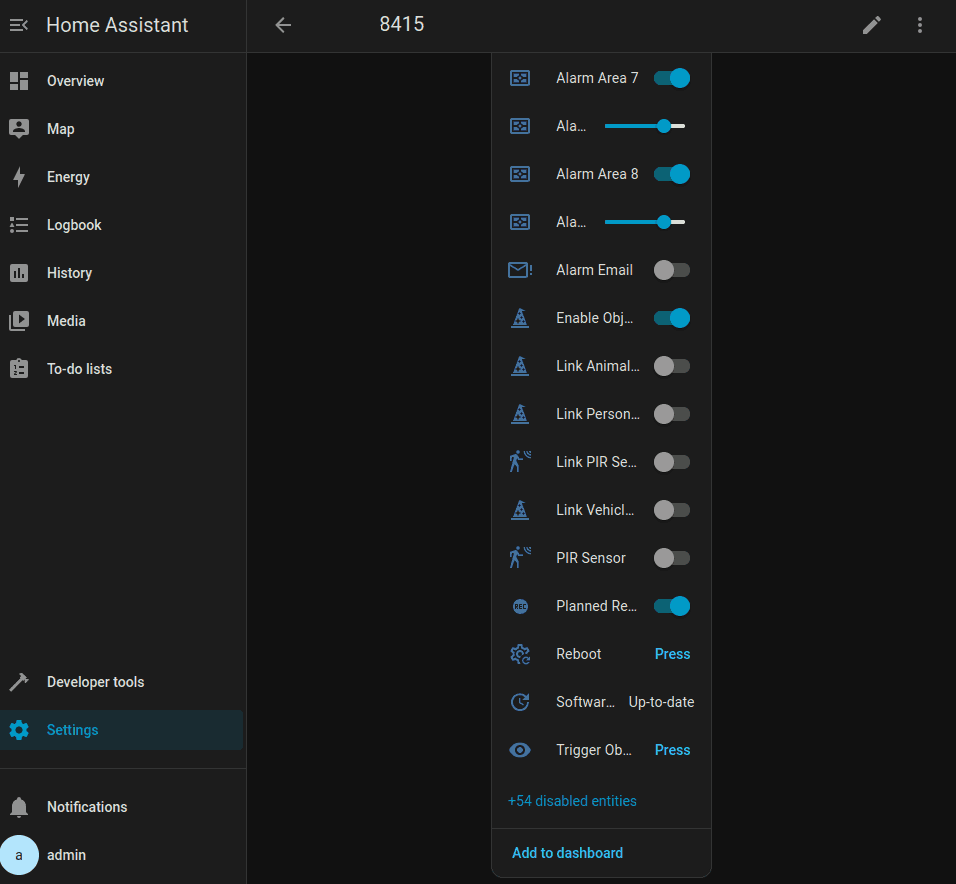
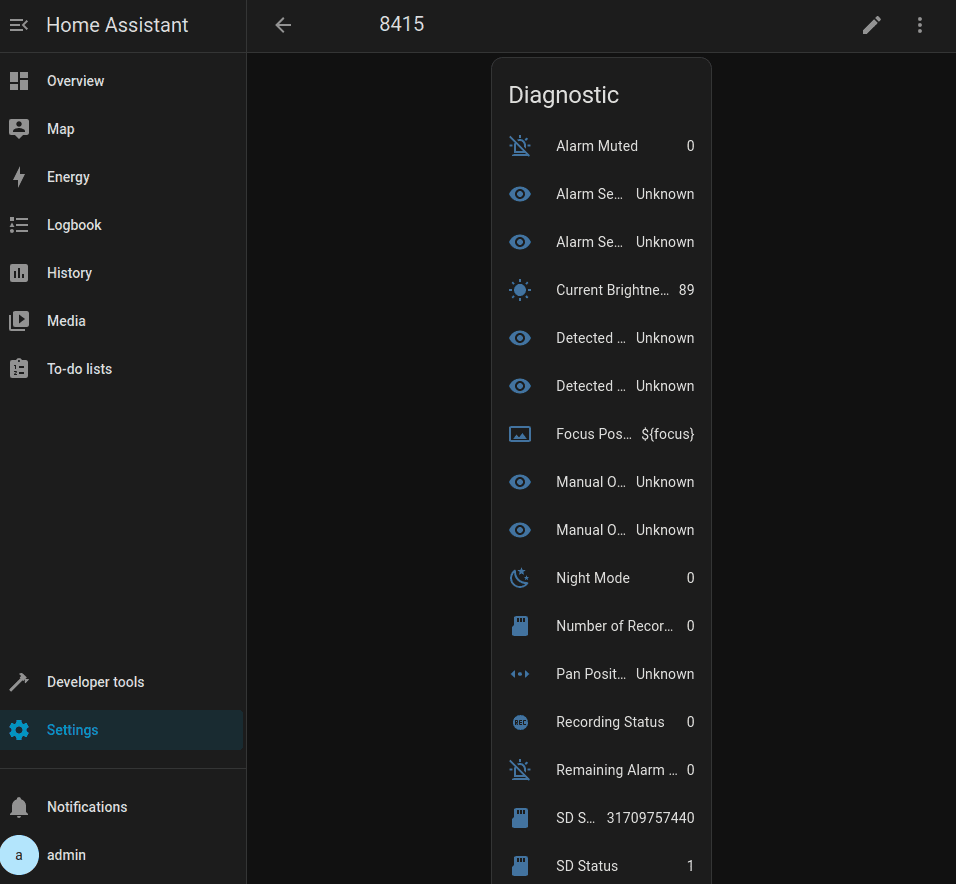
The camera's full MQTT interface is now available to you in Home Assistant – including the new AI integration: