1080p Web User Interface
Multimedia Menu
Audio Settings
Here you can adjust the amplification of the cameras microphones/audio-in as well as the volume of the audio-out signal.
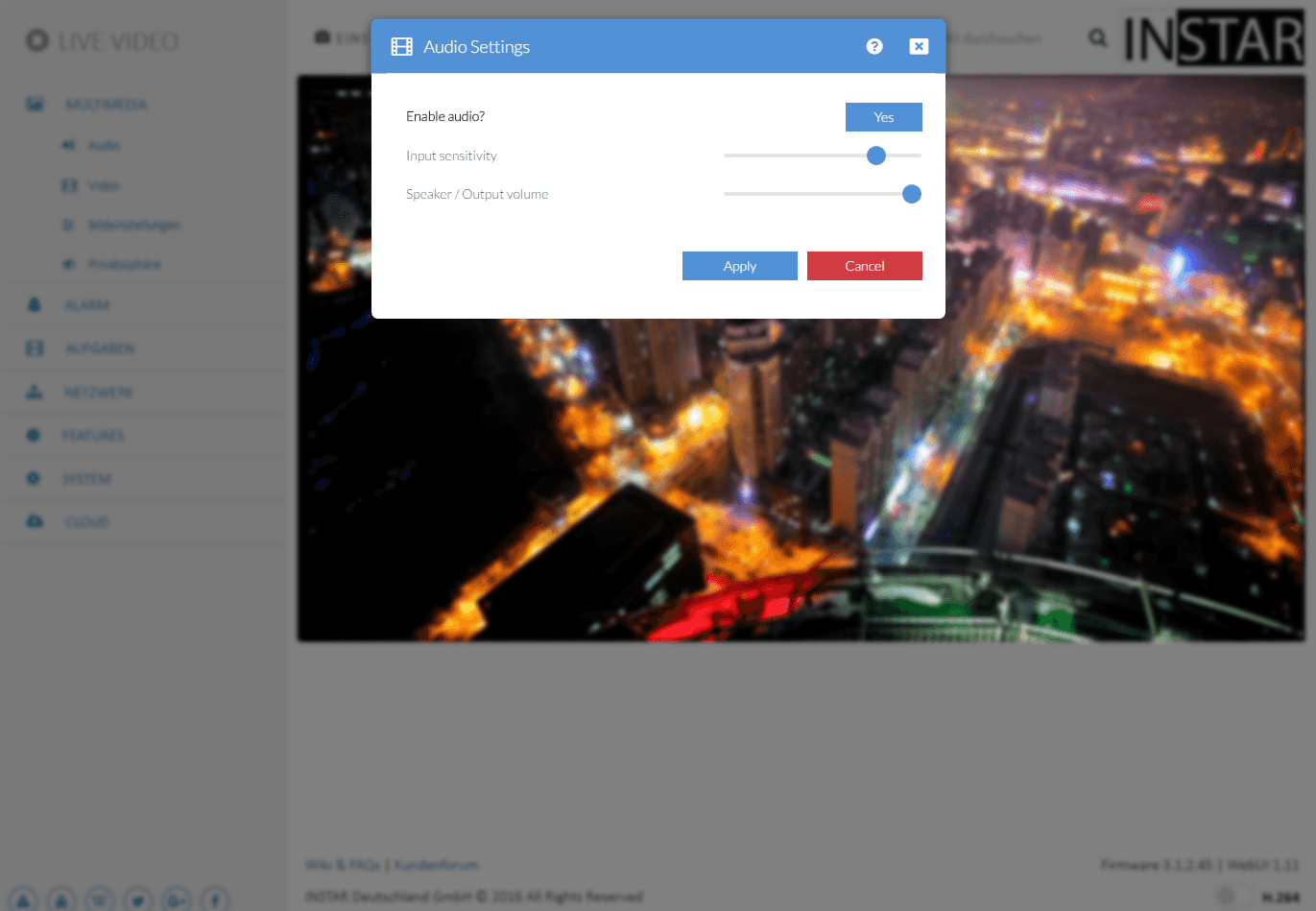
Audio Settings | Description |
|---|---|
| Enable audio | Activate or deactivate the audio of your camera. This deactivates both, the audio input and output. |
| Input sensitivity | The audio input volume controls the internal or (optional) external microphone of your camera. Please be aware, that the volume indirectly influences the sensitivity of the Audio Detection. |
| Output volume | Here you can adjust the audio volume for the internal or optional external loudspeaker of your camera. |